Application of Version Control Systems in DevOps

About this Service
In a DevOps environment, speed and team coordination are paramount. Version Control Systems (VCS), such as Git, are the key tools that facilitate this process. Their core applications include:
- Code Management: Development teams can work on the same project simultaneously without overwriting each other's work. Git keeps a complete history of all code changes, allowing for easy rollbacks to previous versions.
- Configuration as Code: In addition to application code, server and environment configuration files (like Dockerfiles or Ansible playbooks) are also stored in a VCS. This makes infrastructure changes traceable and manageable.
- CI/CD Automation: CI/CD systems (like Jenkins or GitLab CI) integrate directly with VCS. Every time a change is committed, the build, test, and deploy process is automatically triggered. This integration makes the software delivery process faster and more reliable.
Challenges and Goals:
- Diagnosis and Analysis:
- How can you use the Version Control System (e.g., Git) to identify the root cause of the failure?
- How do you pinpoint which specific changes led to the incompatibility?
- Response and Remediation:
- What is your first step to an immediate fix? How can you get the build process back to a working state without completely deleting the new code?
- Can you resolve the dependency issue without reverting to an older version?
- Future Prevention:
- What process will you implement within the VCS to prevent this type of problem from recurring?
- What tools or steps would you add to the CI/CD pipeline to detect incompatible dependencies before they are merged?
This challenge focuses on the importance of proper dependency management and leveraging the advanced capabilities of a VCS to prevent issues in the development lifecycle.
Project Overview:
My Strategic Approach
I provide more than just a quick fix; I offer a strategic partnership to transform your version control and CI/CD workflows. My approach is designed to not only resolve your immediate dependency crisis but also to build a resilient system that prevents similar problems in the future. I focus on three key pillars: Rapid Resolution, Process Optimization, and Team Empowerment.
The Client's Problem
Your CI/CD pipeline is broken due to a dependency conflict. This issue, while seemingly small, can halt your entire development process, delay product launches, and lead to team frustration. It signals a deeper problem with your current workflow, where incompatible changes can reach the main branch without proper checks.
My Solution: A Three-Pillar Approach
- Pillar 1: Rapid Resolution
My first priority is to get you back to a working state. I will use Git's advanced features to quickly address the breaking change.- Immediate Git Revert: Instead of deleting the code, I will use git revert to undo the problematic commit. This action immediately restores the build pipeline to a working state while preserving the commit history.
- Isolated Analysis: I will create a temporary branch to meticulously analyze the dependency conflict, identifying the specific cause of the incompatibility.
- Pillar 2: Process Optimization
Once the immediate crisis is resolved, I will implement a more robust workflow to prevent future issues.Automated Dependency- Checks: I will integrate tools into your CI/CD pipeline that automatically check for dependency conflicts or known vulnerabilities before a pull request can be merged.
- Pull Request Workflow: I will help you set up and enforce a stricter pull request workflow, requiring automated checks and code reviews to ensure the quality and compatibility of all incoming code
- Pillar 3: Team Empowerment
A strong workflow is only effective if the team understands and follows it.- Branching Strategy: I will propose and help you implement a clean branching strategy like Gitflow or Trunk-Based Development to ensure code is managed in a clear and organized manner.
- Training and Onboarding: I will conduct a training session for your development team, guiding them on the new workflow, how to resolve conflicts, and best practices for managing dependencies.
Service Features
- ● Initial diagnosis of the build failure
- ● Immediate resolution using git revert
- ● A brief summary of the steps taken
- ● Implementation of automated dependency checks in your CI/CD pipeline
- ● Setting up a basic pull request workflow
- ● Implementation of a full branching strategy
- ● A documented workflow and best practices guide
- ● A training session for your development team
About the Seller
Compare packages
| Package |
$200.00
Basic
|
$550.00
Standard
|
$990.00
Premium
|
|---|---|---|---|
| Revisions | 1 | 2 | 3 |
| Delivery Time | Less than a week | 3 Days | 3 Days |
| Initial diagnosis of the build failure | |||
| Immediate resolution using git revert | |||
| A brief summary of the steps taken | |||
| Implementation of automated dependency checks in your CI/CD pipeline | |||
| Setting up a basic pull request workflow | |||
| Implementation of a full branching strategy | |||
| A documented workflow and best practices guide | |||
| A training session for your development team | |||
| Total | $200.00 | $550.00 | $990.00 |
Basic
Related Services
DevOps
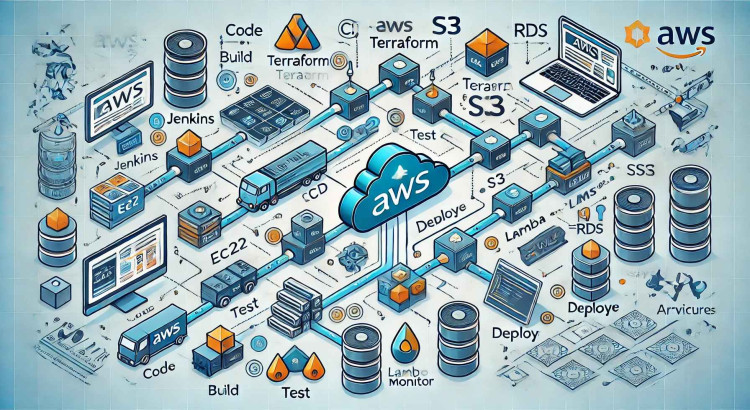
Streamline your AWS deployments with a robust CI/CD pipeline setup for zero downtime.

DevOps
Newbie Freelancer
Professional installation and configuration of MariaDB for scalable, high-performance databases.
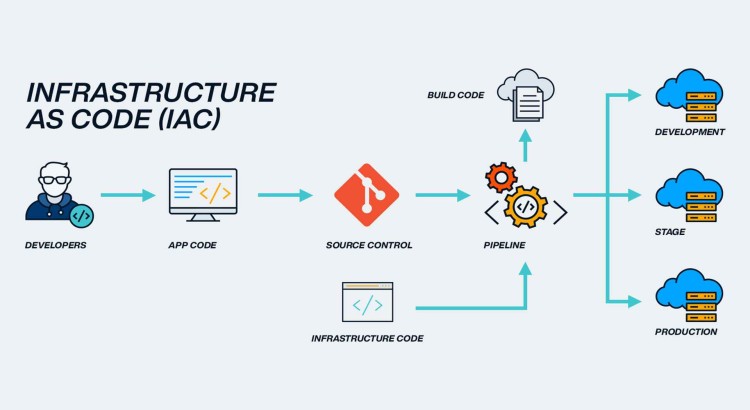
DevOps
Newbie Freelancer
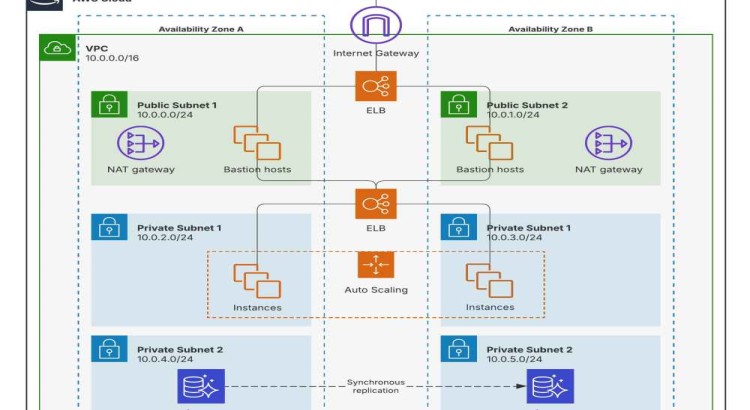
I will automate your infrastructure provisioning using Terraform or CloudFormation
DevOps
Newbie Freelancer


Join as a freelancer or client
Join as a Freelancer
Join as a Client